
Core Engine for BG Renderer Max
BG Renderer Max uses the Core Engine — a ground-up rewrite of the render engine that provides better stability, performance, and extensibility.
Core Engine is enabled by default starting with BG Renderer Max 1.0.12
Core Engine fixes legacy issues and provides better flexibility for scaling and networking. From the user’s perspective, the experience is the same, with added new features.
Status Indicator
There is a small circle in the lower right corner of the interface.
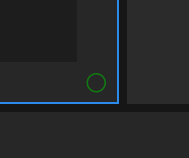
This indicates the engine’s state. Green means the engine is running correctly.
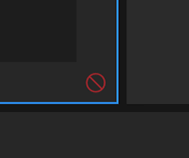
The red circle indicates that there are issues with the engine, or it is not running.
You will generally see a red circle after you’ve stopped a render, while the previous instance shuts down and a new one starts.
BG Renderer Max will try to restart the engine and fix the issue, but if the red circle doesn’t disappear, open Activity Monitor and force-quit the BGRendererMax process.
If anything is wrong with the engine, contact us directly on Facebook.