
Automate with Zapier
Zapier lets you connect multiple services and automate notifications, SMS, email, and much more.
Note: BG Renderer Max uses the Webhooks trigger, which requires a paid Zapier plan (Starter or above). Free Zapier accounts do not support the Webhooks trigger.
Before you start, go to Zapier website and register if you don't have an account yet.
Step 1
Go to the Zapier dashboard and click on Make Zap
Step 2
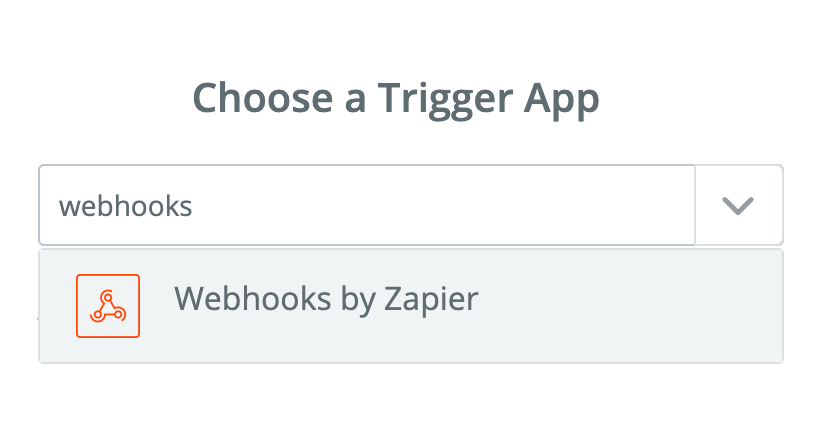
Search for Webhooks in the Choose a Trigger App window.
Step 3
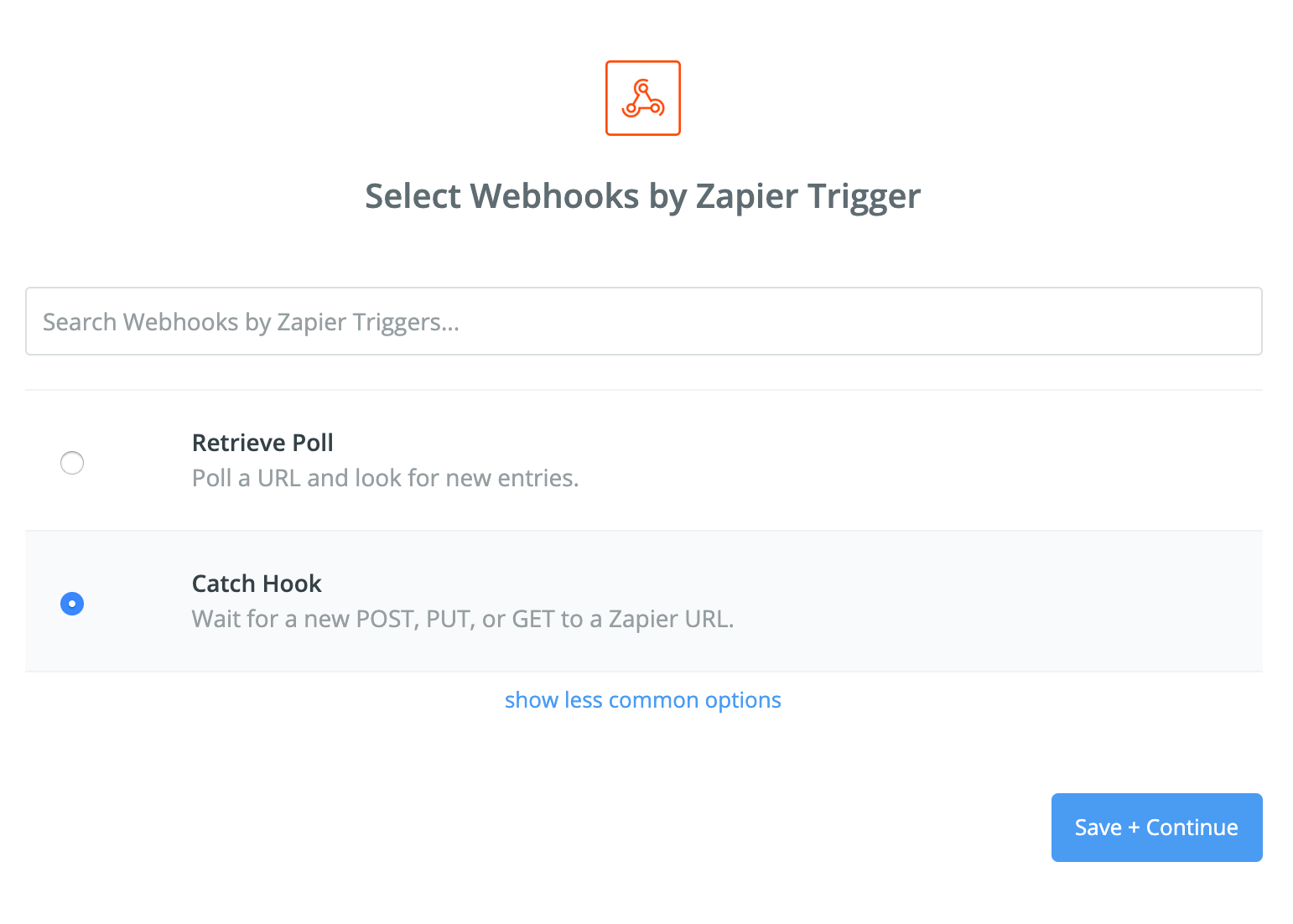
Select Catch Hook and click on Save and Continue.
Step 4
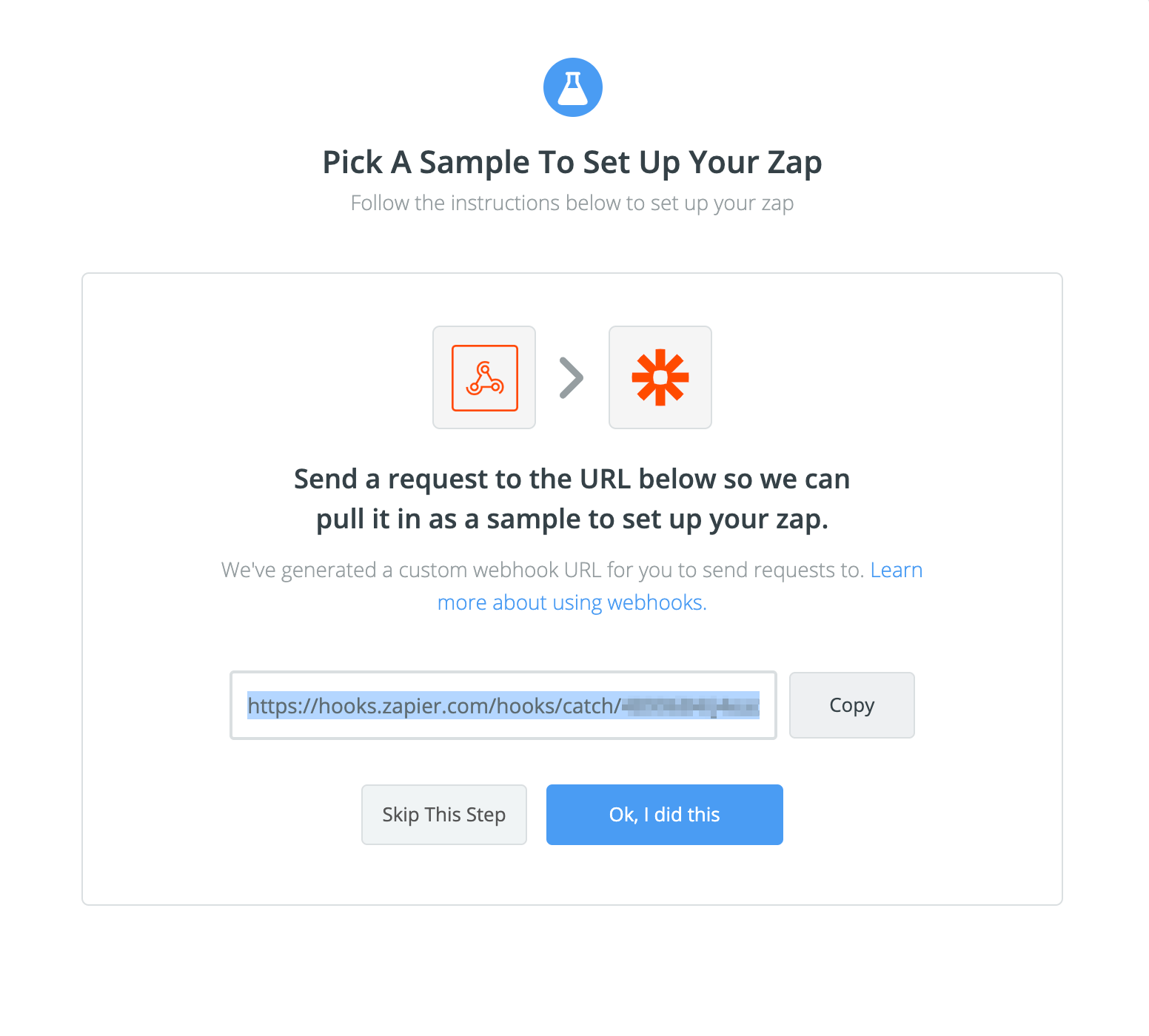
Copy the generated URL
Step 5
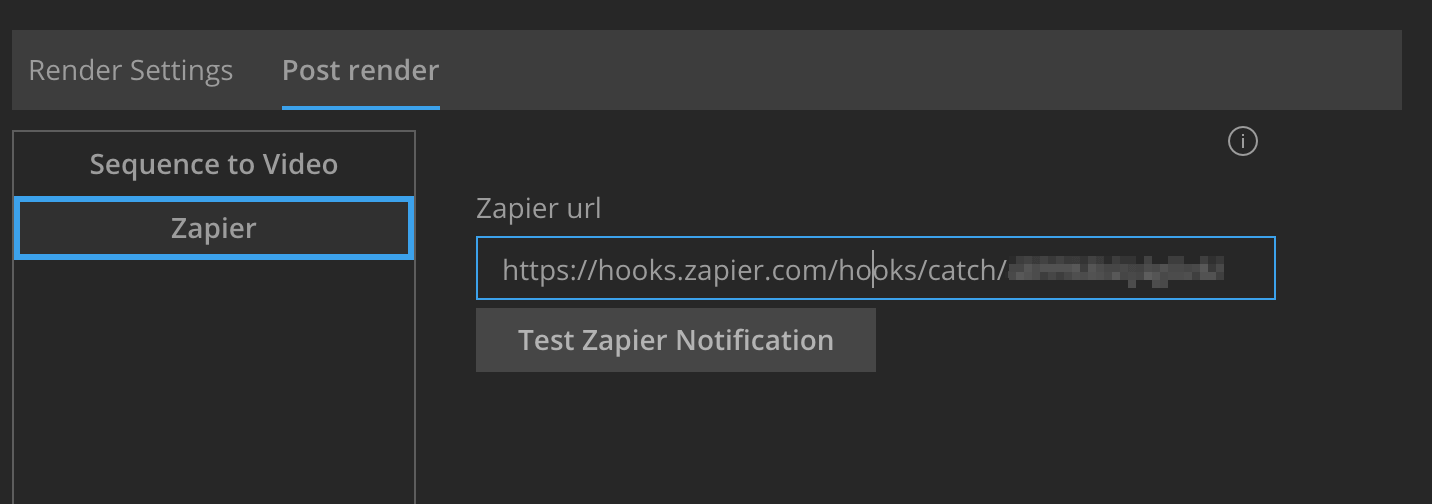
Go to BG Renderer Max’s Post-Render tab and add a Zapier action.
Paste the URL to the text field and click Test Zapier Integration
Step 6
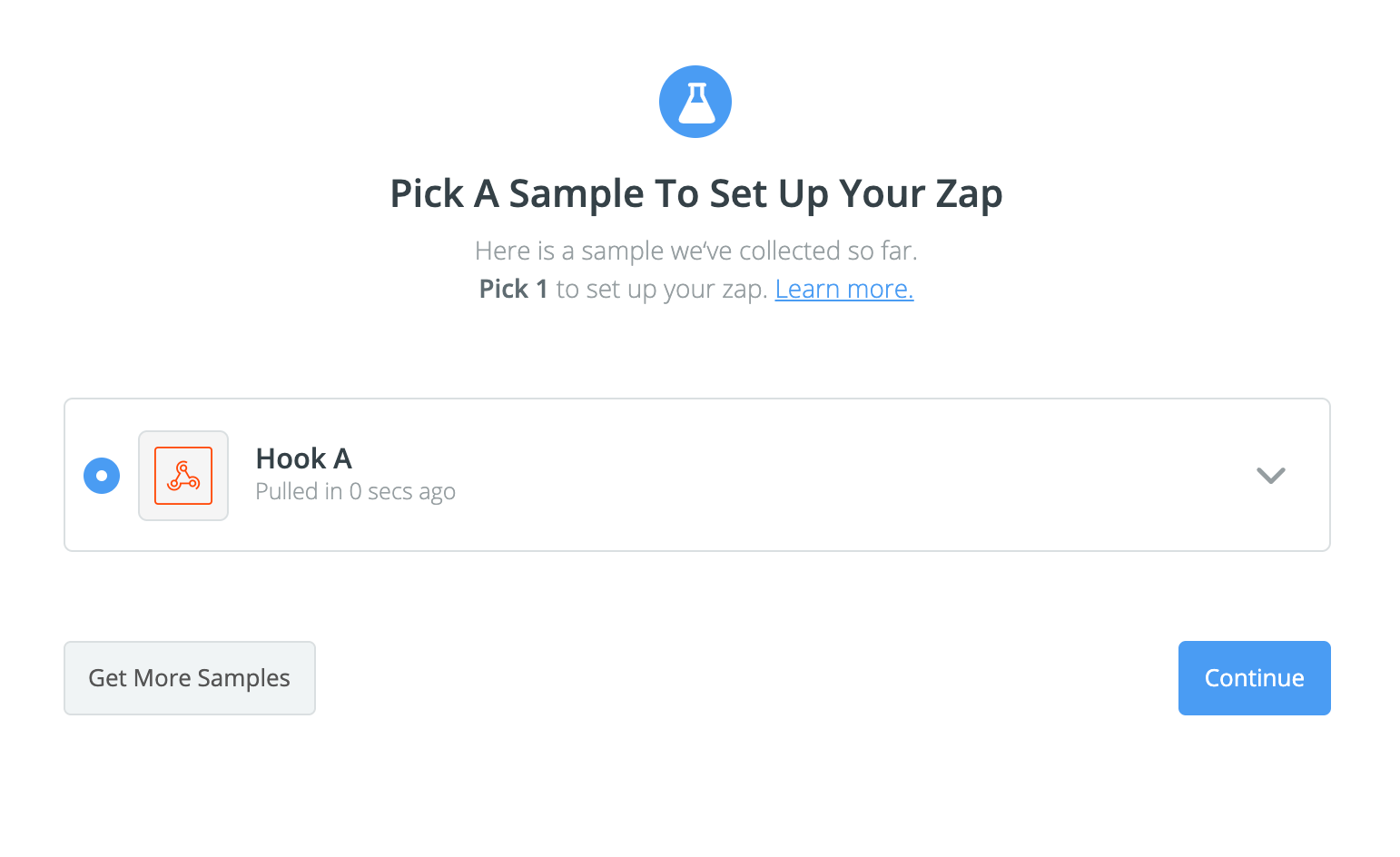
Go back to the website and wait until you see the Sample screen.
Step 7
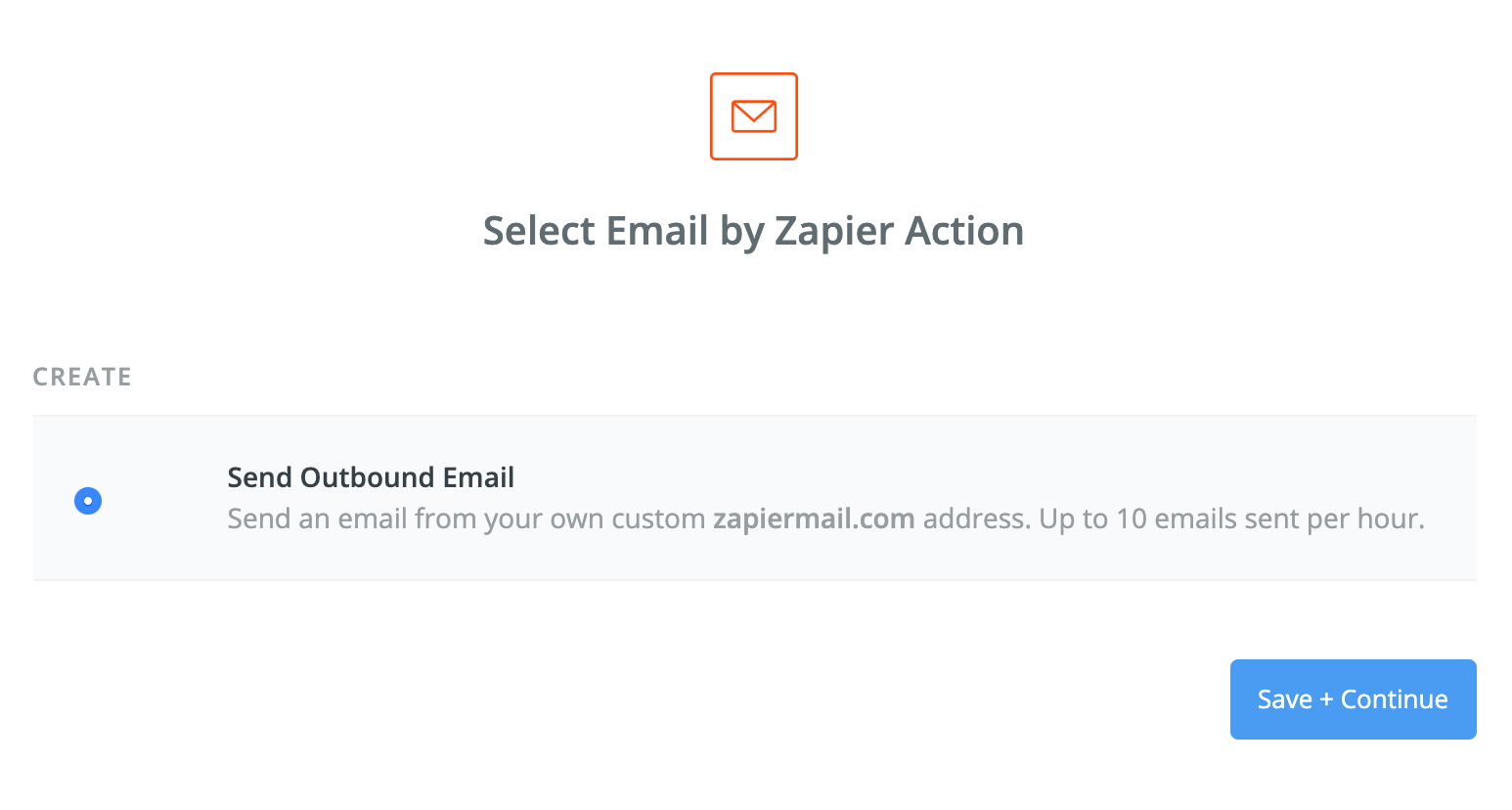
Add an action, like sending an email or Slack message.
Step 8
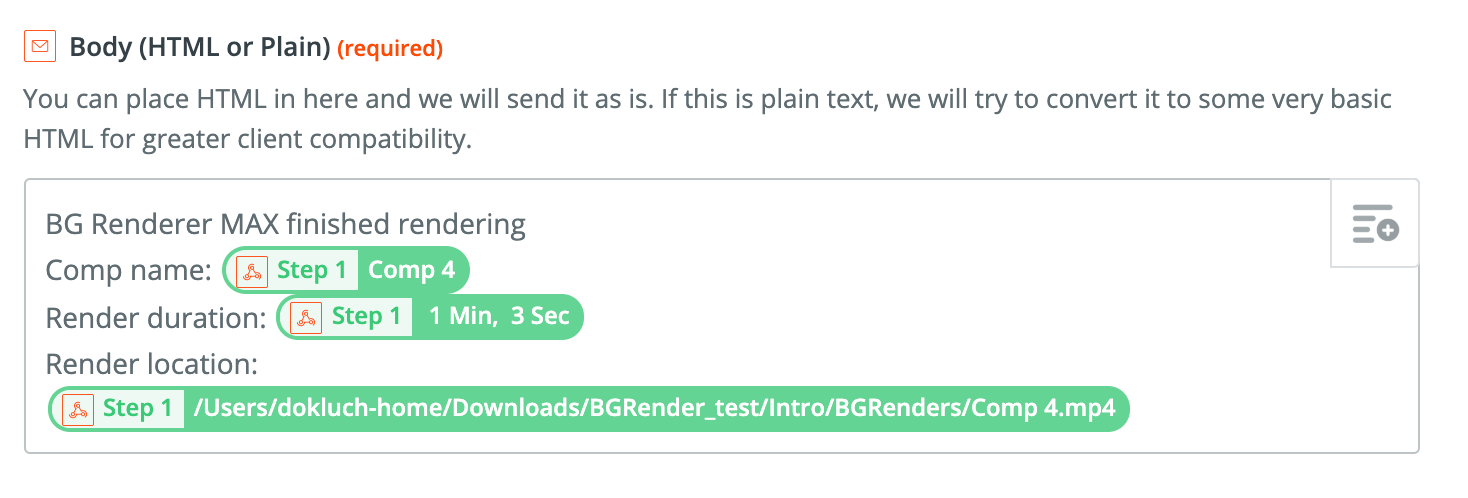
Set up the message
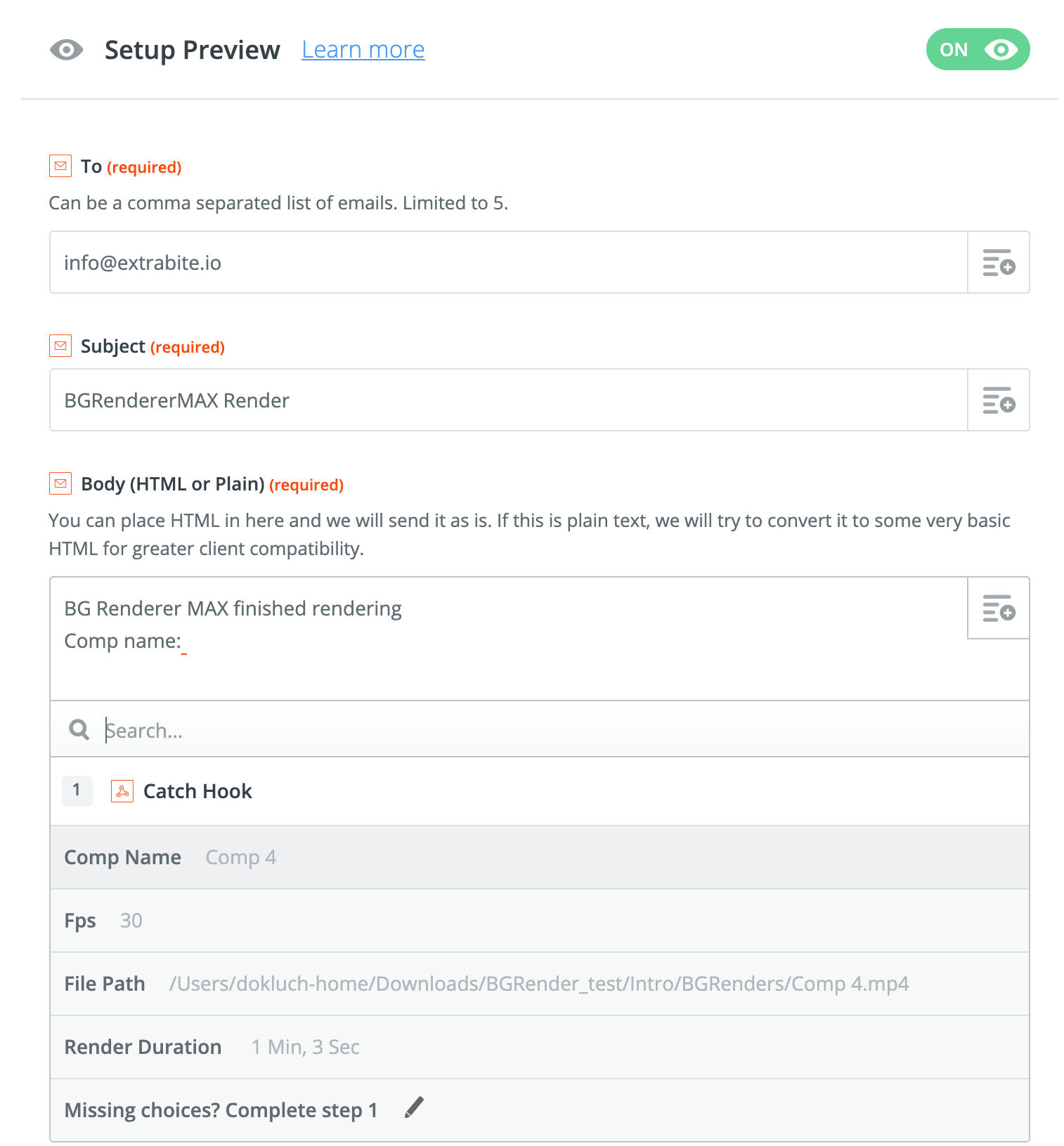
Notice how you can use custom BG Renderer tags like CompName, FilePath, FPS, and RenderTime while composing the message text.
On a Starter plan, you can create multi-step Zaps with the Webhooks trigger. Refer to Zapier's pricing page for current plan details and limits.
Test the new Zap and continue working with BG Renderer Max.
If you remove and then re-add the Zapier action, the Zap URL will be lost. Go back to your Zapier dashboard to retrieve it and paste it again.