
BG Renderer Max Settings
Access BG Renderer Max settings window by clicking the Settings icon:
Render settings appear below the BG Renderer Max main panel.
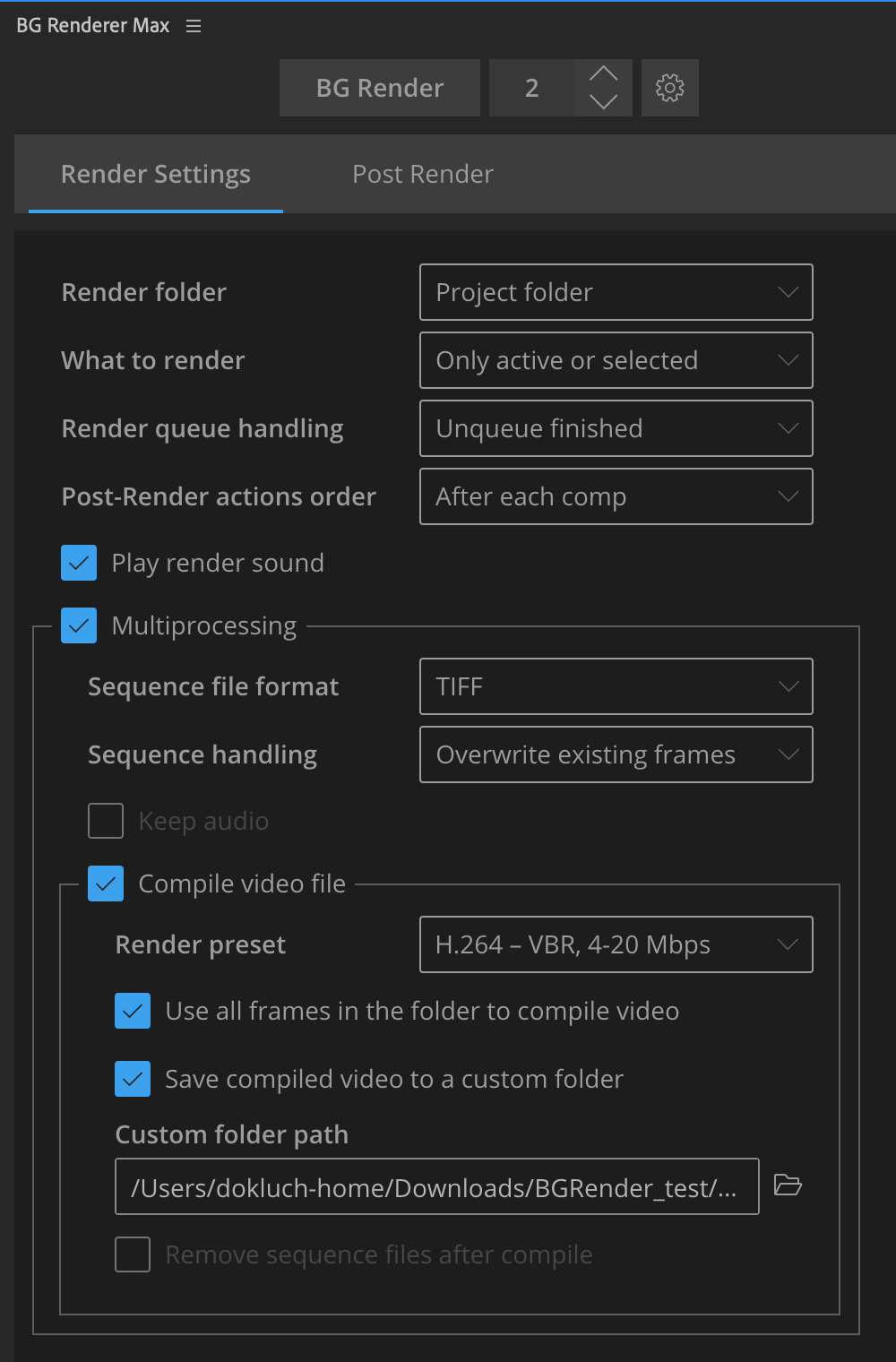
Close it by clicking on the icon again.
If you roll down the BG Renderer Max interface, then the Settings open in a separate window.
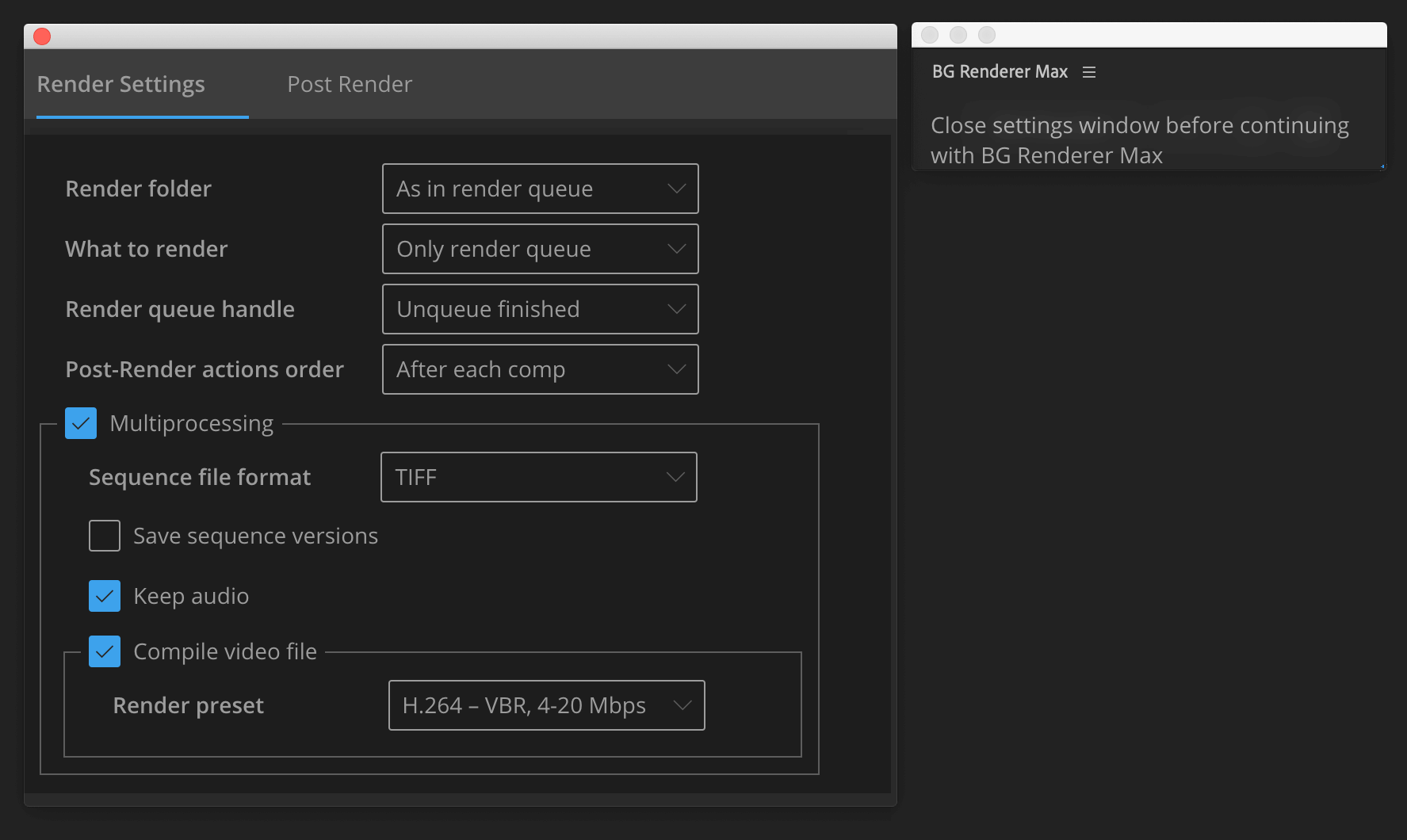
The Settings icon changes its appearance when the main window is too small to show settings in the same window.
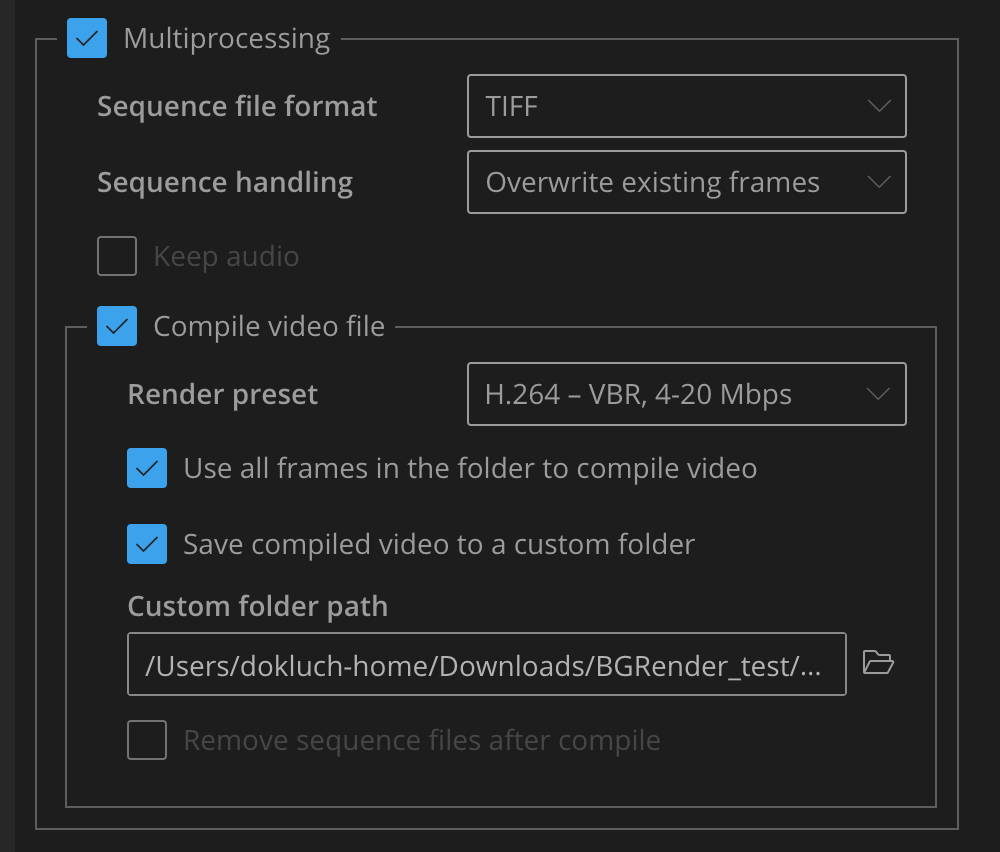
Close this window to keep using BG Renderer Max.
The Settings window contains two tabs:
- Render Settings — to set up your render environment
- Post-Render — to set up notifications, file conversions, etc.