
Push Notifications with Pushover
You can receive mobile and desktop notifications after BG Renderer Max finishes rendering.
BG Renderer Max uses Pushover, a push notification service that can send notifications to virtually any platform.
Pushover requires a one-time payment of USD 4.99 (per platform) for lifetime access.
Setting up Pushover requires some configuration on your part, but it also ensures your data is safe and secure on their servers.
Setting up Pushover
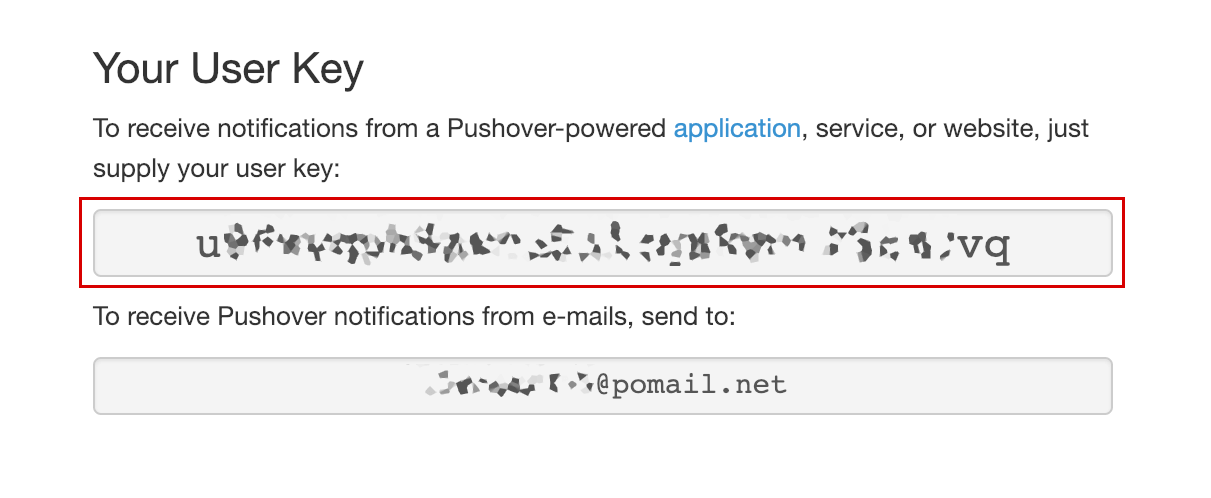
Go to pushover.net, register, and verify your email address (this is necessary for the next step). Log in to Pushover to get your User Key (you don't need the email address):
After you've verified your email address, go to Pushover Apps, and create a new app called BG Renderer Max.
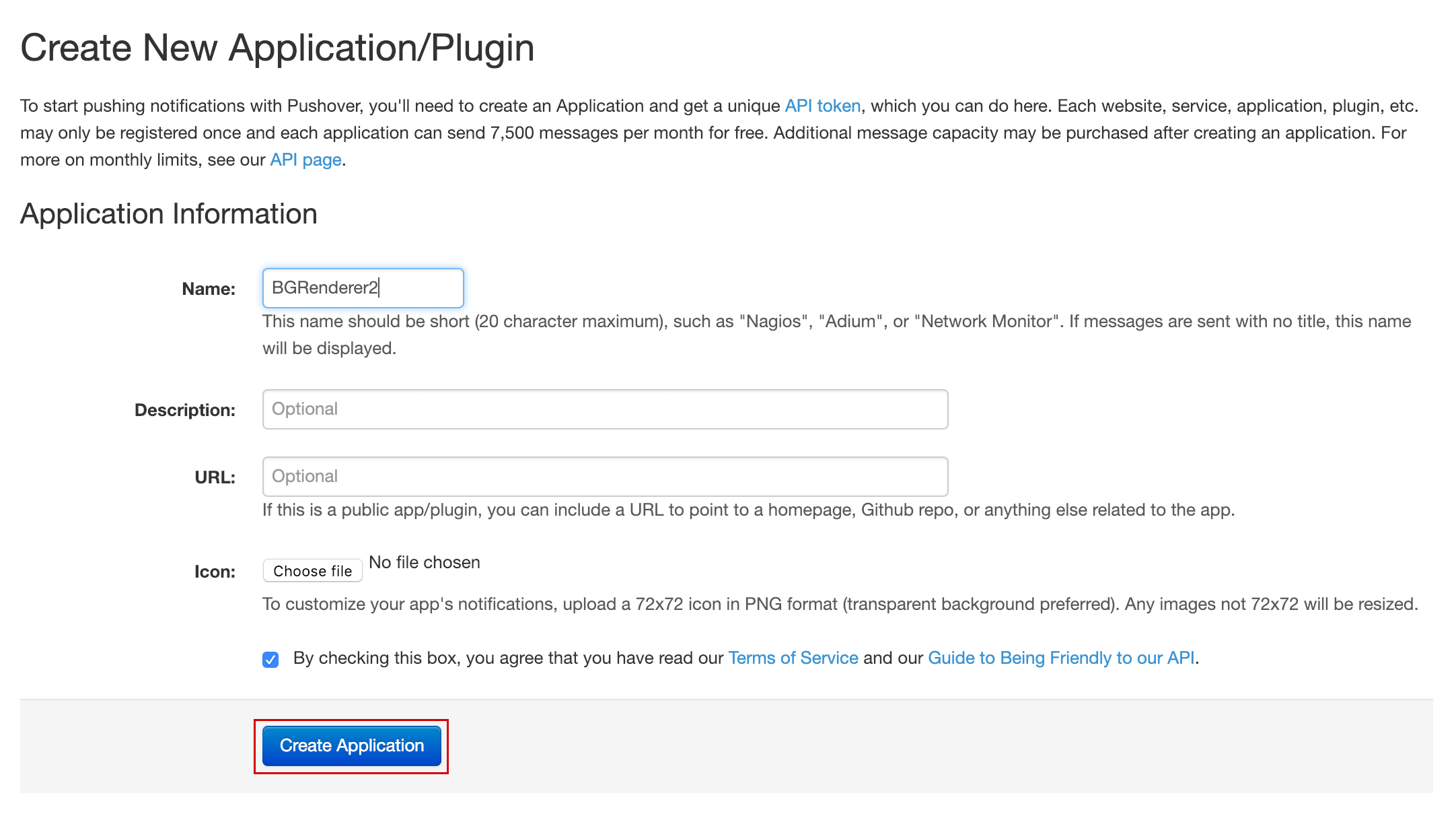
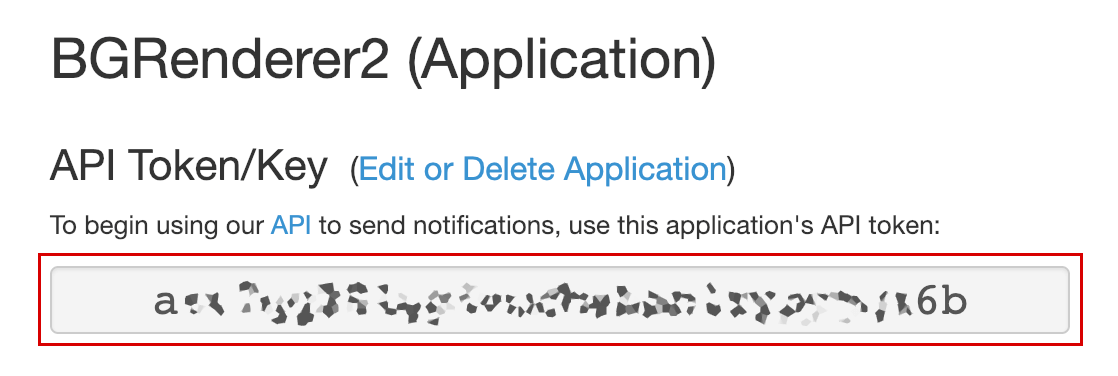
Click Create Application to receive the App Token. Insert it into the App Token field of the Push Notifications action.
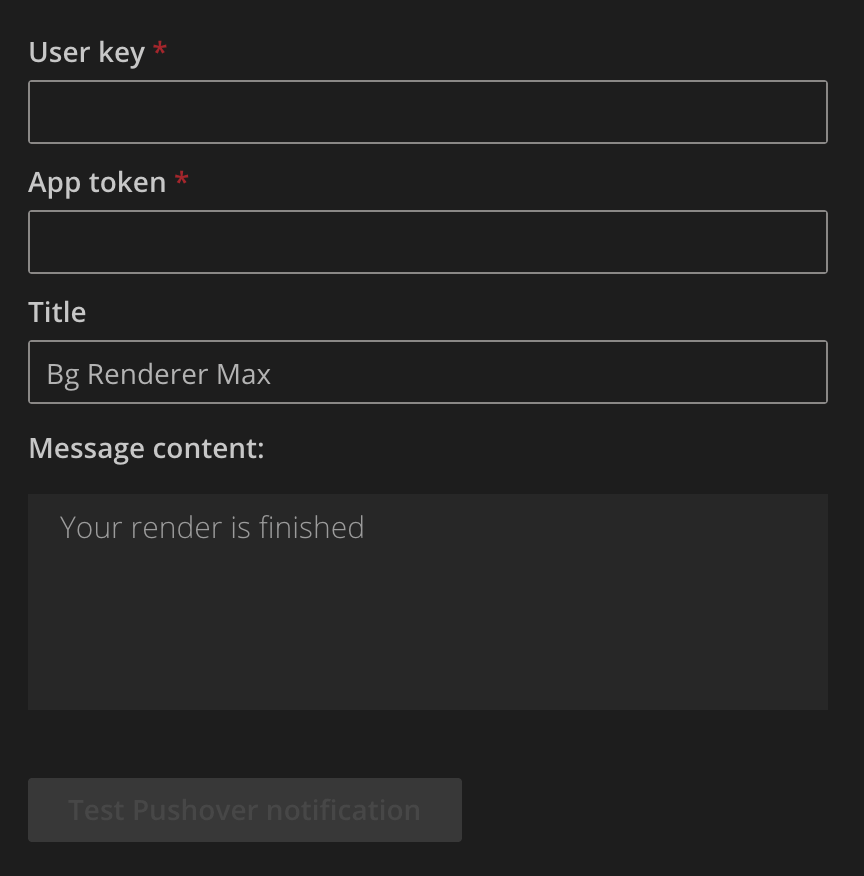
Make sure you insert both tokens into the Pushover action interface.
Mobile notifications
Install Android or iOS app and log in with your credentials.
Register your device, and you'll be able to receive the notifications.
Desktop notifications
Go to the desktop notifications page and follow the instructions.
You only need to register your browser and allow Pushover to send you notifications.
Testing
Go to the action interface, set the message title and body, and click "Send Test Pushover Notification" to make sure all settings are correct.
Consider Zapier, IFTTT, or Power Automate to send mobile notifications easily.